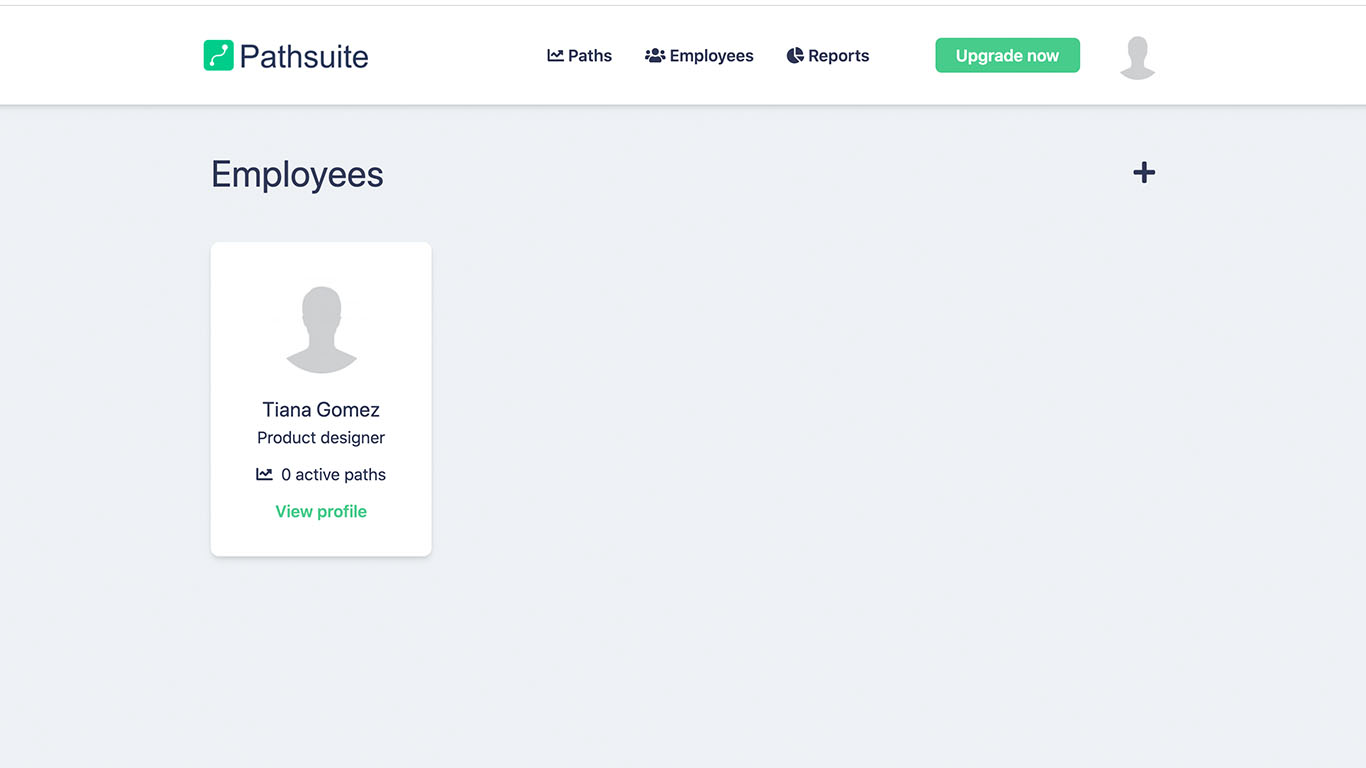
Before you start making any paths you should create your employees. When creating your employees you are also creating their personal profile.
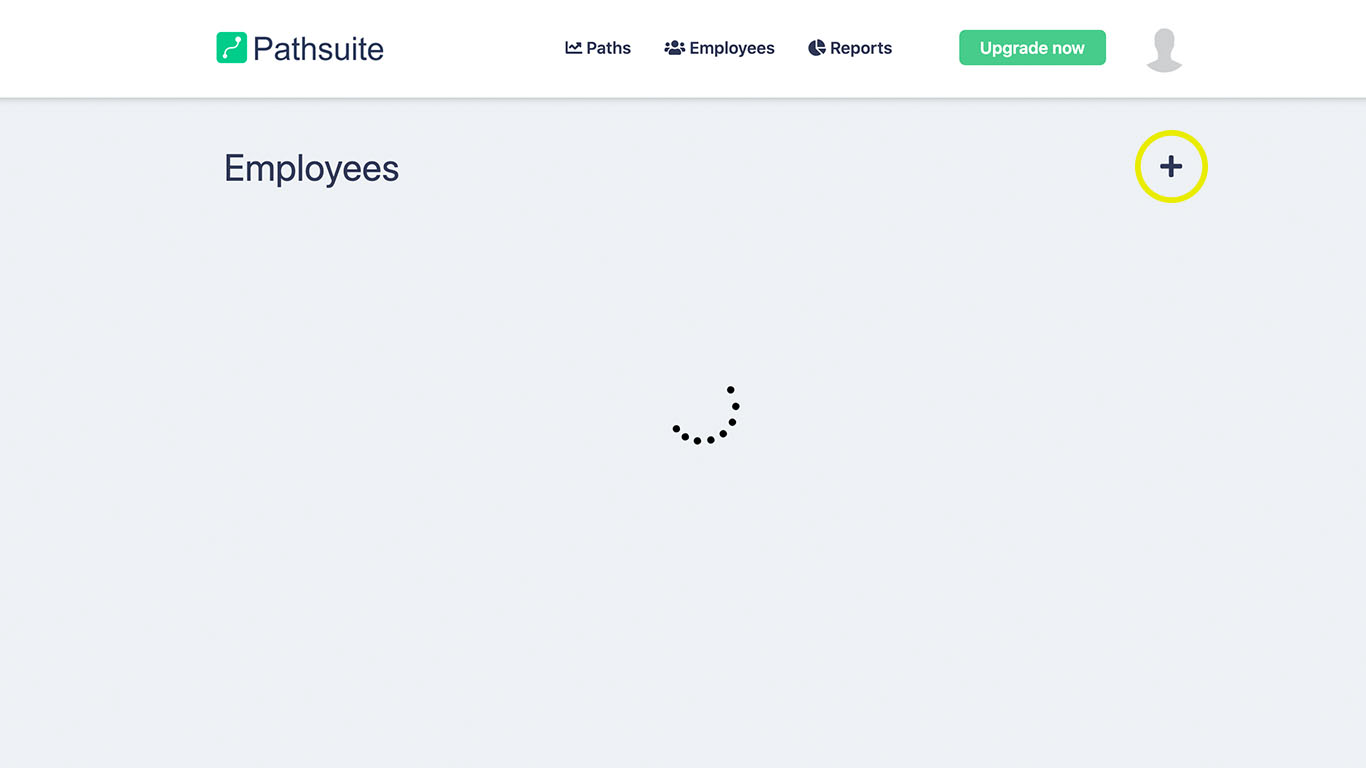
The employee can always change the password, and the information can also be edited later. This is also the way to add a new admin user.
NOTE: Right now the employee will not receive a e-mail with the information. We are working on this future. Therefore you will need to hand-over the information to the employee.
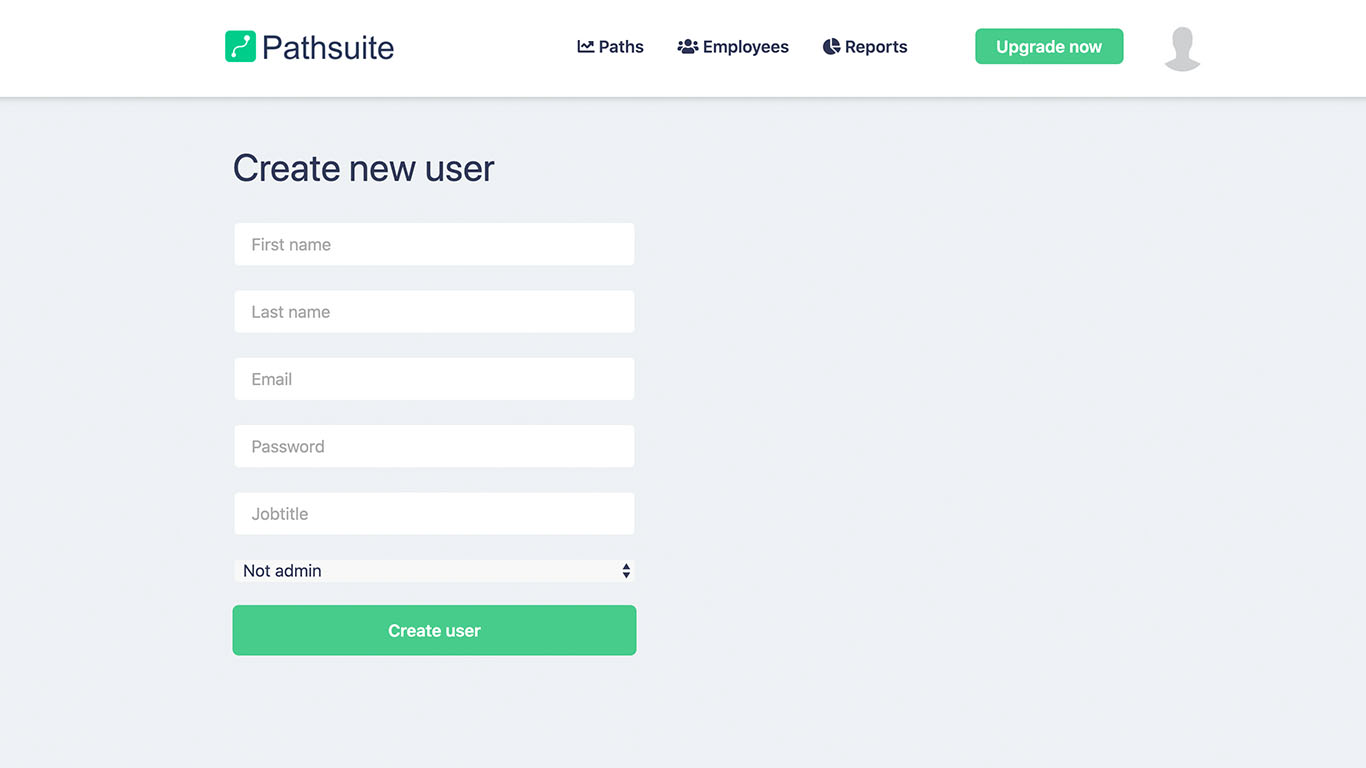
Congratulations! You have now created an employee.