From time to time employees will leave your company and some will join. When an employee leaves your company it can useful to delete him/her from Pathsuite, so you do not get a lot of not applicable search results.
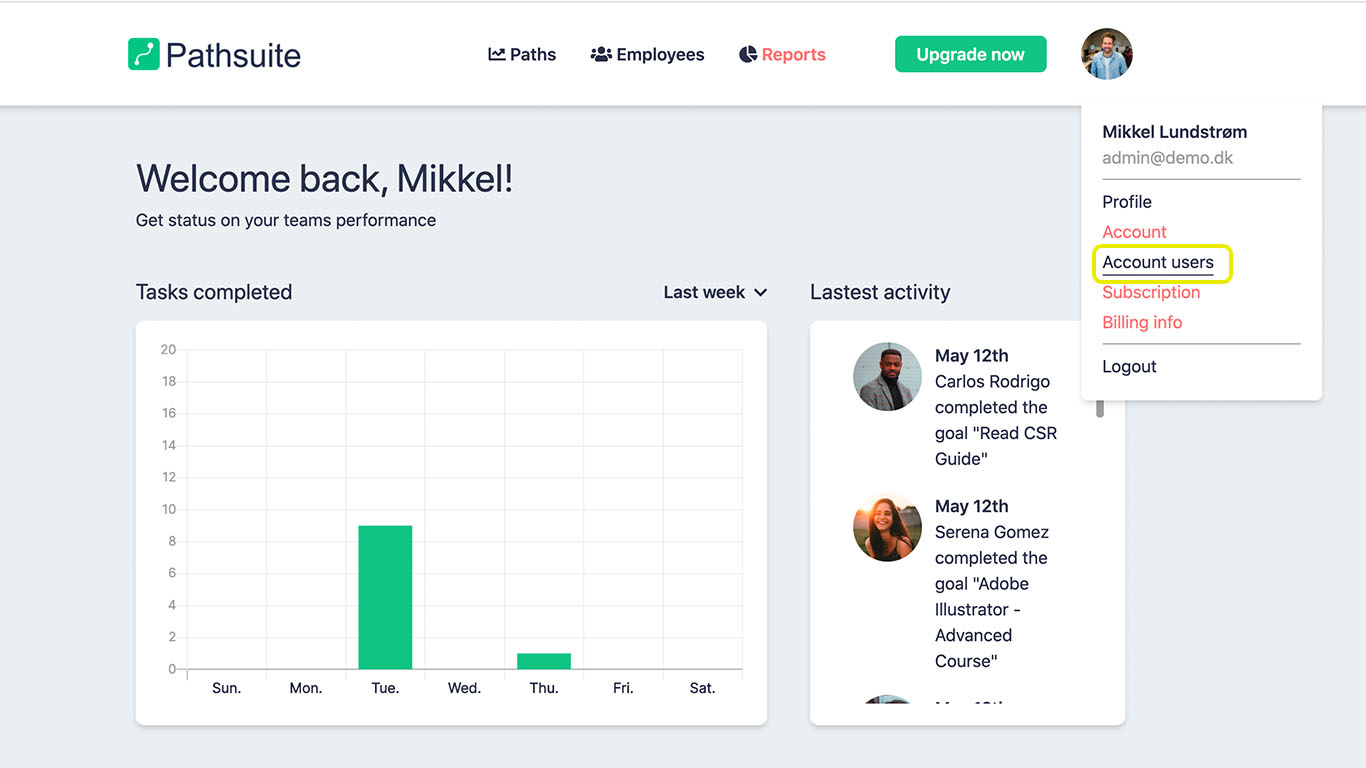
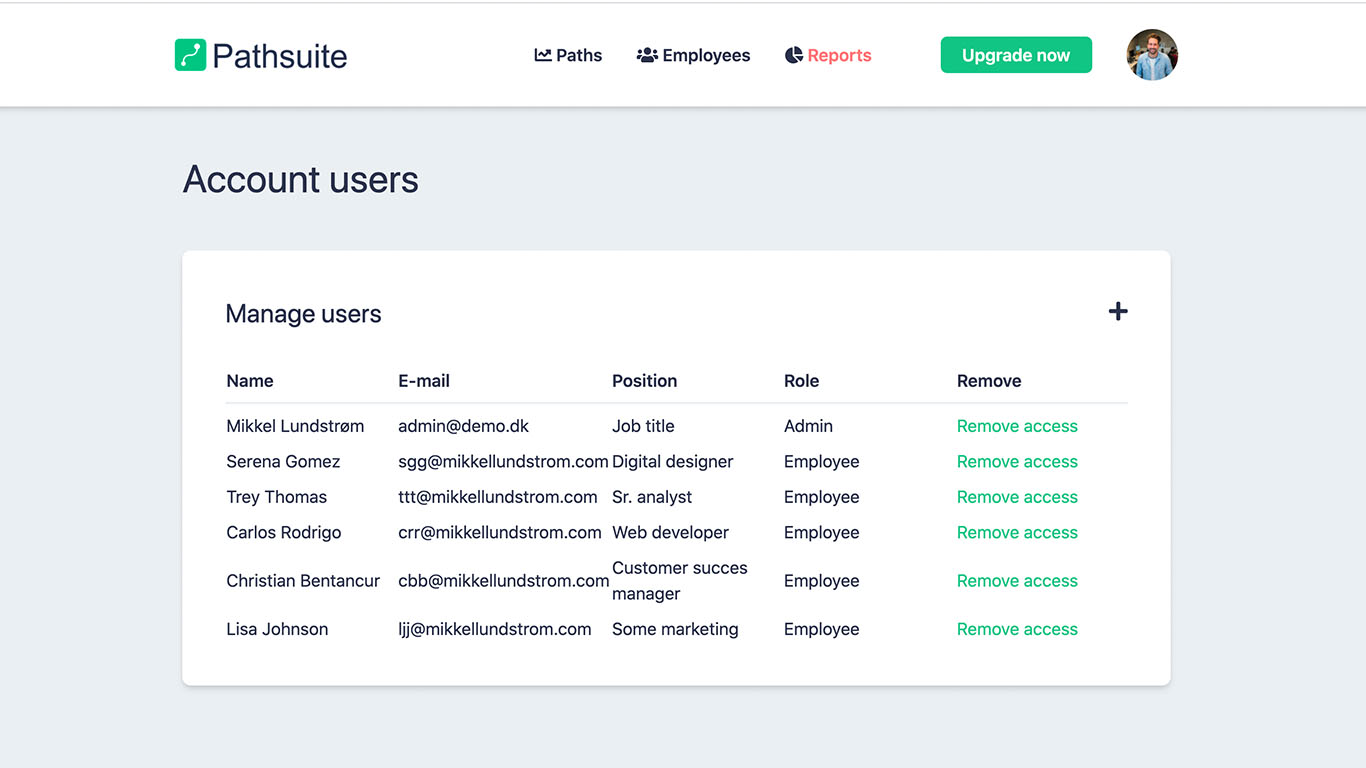
In this article we will cover how to delete an employee in Pathsuite in 3 simple steps.
Please note that there is no way to restore a deleted employee right now.