For security reasons it can be a good idea to change your password from time to time.
In this article we will cover in simple steps, how to change your password in Pathsuite.
Now you will see your profile, where you can edit your personal information, add a new profile image and change your password.
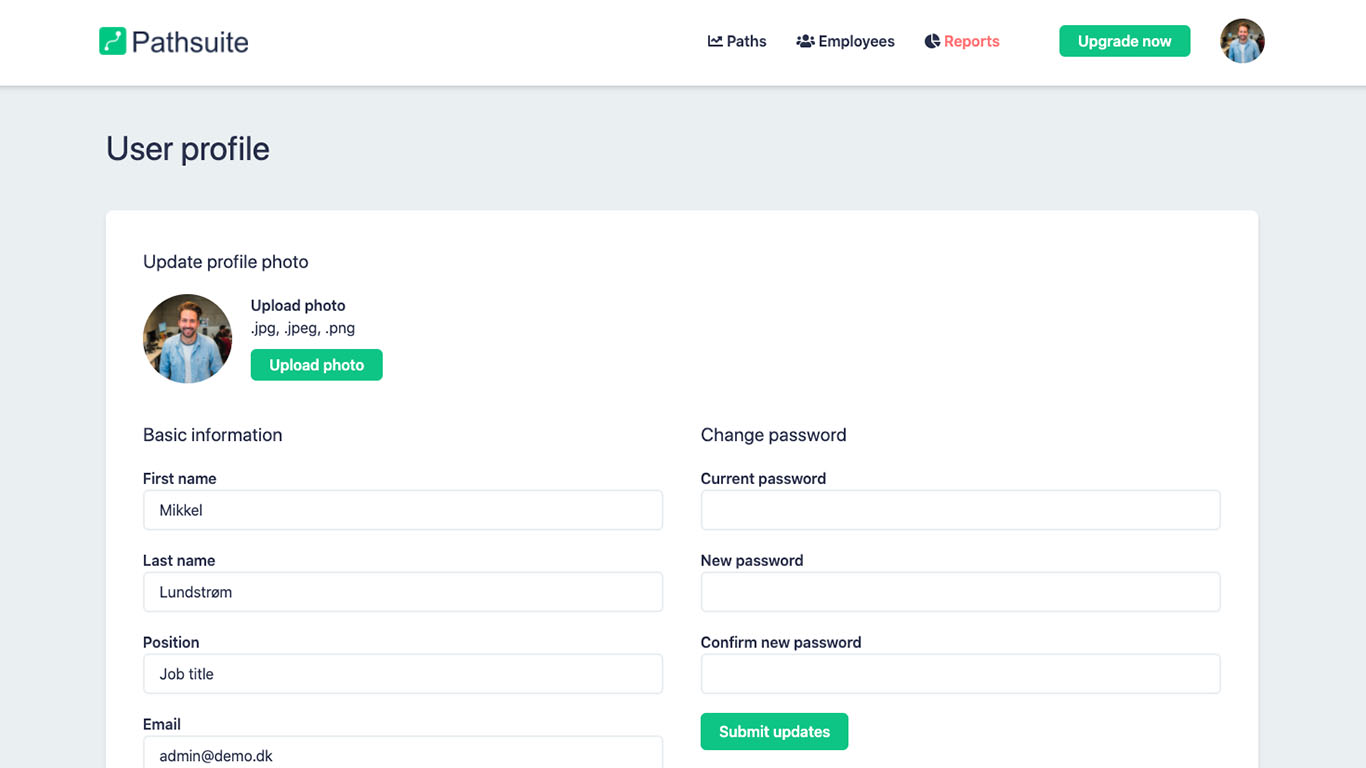
Remember always to pick a strong password. We recommend minimum 12 characters with numbers, caps, small letters and special characters.